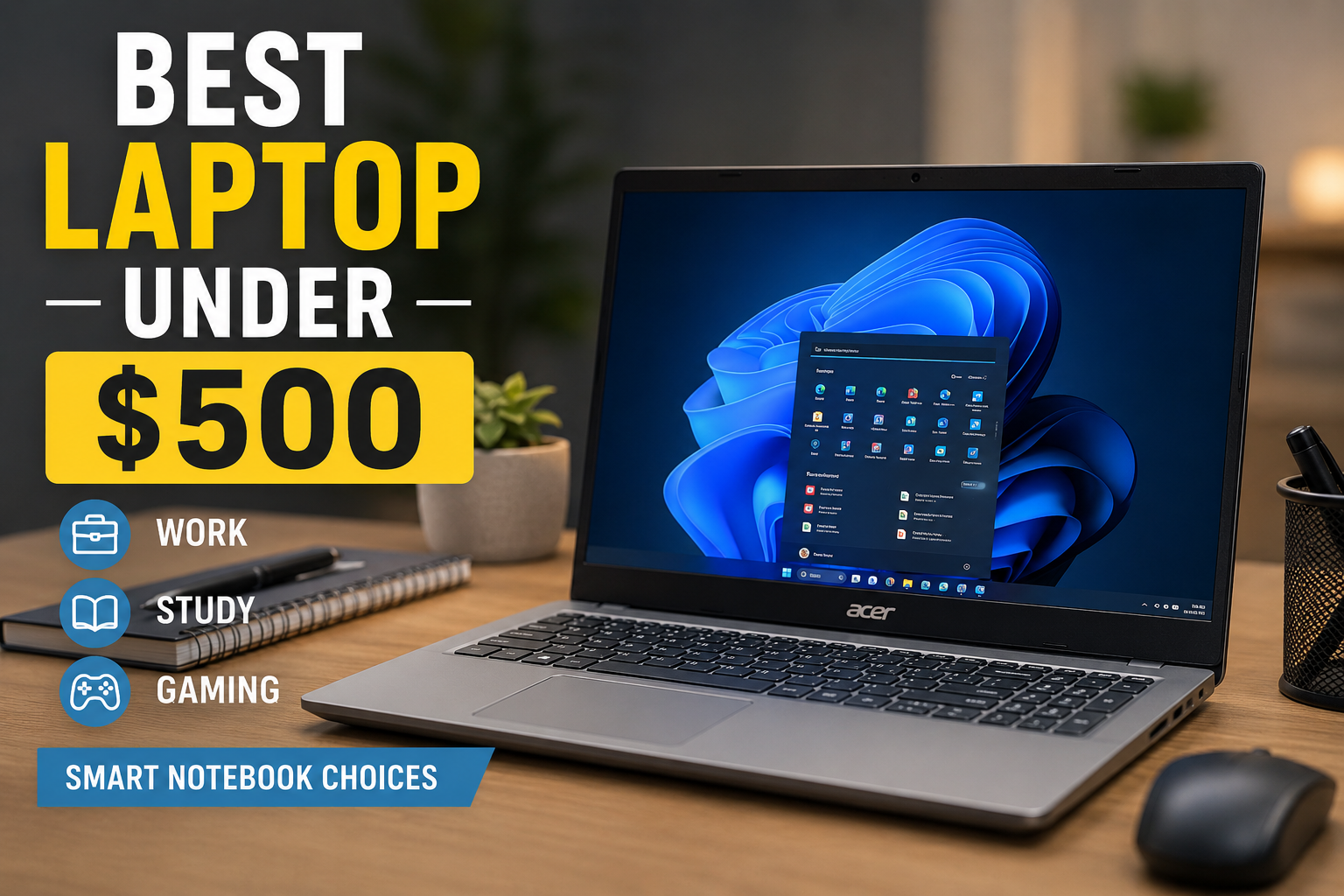
Best Laptop Under $500: Smart Notebook Choices for Work, Study, and Gaming
Choosing the best laptop under $500 can feel confused when every brand claims to offer the perfect deal. Some laptops look powerful but struggle in real use, while others quietly perform well without much attention. The good news is that today’s budget market has improved a lot. You can now find a reliable notebook that handles daily work, supports light gaming, and delivers smooth performance—all without stretching your budget.
This guide is written to help you understand what truly matters when buying a laptop in this range. Whether you’re comparing options under $400, exploring slightly better models under $600, or searching for a budget-friendly gaming setup, you’ll find clear direction here.
Why Budget Notebooks Are Worth Considering
There was a time when low-cost laptops meant constant lag and frustration. That has changed. Modern processors, faster storage, and better optimization have made budget notebooks far more usable.
A well-chosen laptop under $500 can easily handle:
Everyday browsing and multitasking
Office work and assignments
Video streaming and online meetings
Entry-level gaming
For many users, spending more isn’t necessary. The key is understanding how to balance performance and price.
What Defines the Best Laptop Under $500
Not every affordable laptop offers real value. The best ones share a few important qualities that make them stand out in daily use.
Reliable Processor Performance
The processor is the backbone of your system. In this budget, you should aim for:
Intel Core i3 (newer generation)
AMD Ryzen 3 or Ryzen 5
Ryzen processors are often a better pick if you’re interested in light gaming, as they provide stronger integrated graphics.
Smooth Multitasking with Enough RAM
RAM determines how smoothly your laptop handles multiple tasks.
8GB RAM is the sweet spot
4GB RAM is only suitable for very basic use
If you open multiple tabs or run apps together, 8GB makes a noticeable difference.
SSD Storage for Faster Performance
Speed matters more than storage size.
SSD ensures fast boot times
256GB is enough for general users
512GB offers more flexibility
A notebook with SSD feels quicker and more responsive compared to older hard-drive systems.
Display and Build Quality
A good screen improves your experience, especially if you use your laptop for long hours.
Full HD resolution is recommended
Slim and lightweight designs improve portability
Even budget laptops now offer decent build quality if you choose wisely.
Comparing Budget Ranges: Under $400 vs Under $500 vs Under $600
Understanding the difference between price ranges helps you make a smarter choice.
Laptops Under $400
This category is best for very basic tasks.
Suitable for browsing and simple work
Limited multitasking ability
Often comes with lower RAM or weaker processors
If your needs are minimal, a laptop under $400 can still work—but expect compromises.
Laptops Under $500
This is a sweet spot for most users.
Balanced performance
Better processors and SSD storage
Smooth everyday usage
The best laptop under $500 usually falls into this range because it offers the best mix of price and performance.
Laptops Under $600
Spending a little more can unlock better features.
Faster processors
Improved build quality
Slightly better gaming performance
If your budget allows, moving closer to $600 gives you a longer-term value.
Best Gaming Laptop Under 500: What You Can Realistically Expect
Many buyers look for the best gaming laptop under 500, but it’s important to stay realistic. Budget laptops are not designed for heavy gaming, yet they can still handle lighter titles.
Games You Can Play
GTA V (medium settings)
Fortnite (low to medium settings)
Valorant and CS
Minecraft
These games run well if your notebook has a capable processor and decent integrated graphics.
Gaming Limitations in This Price Range
No ultra graphics settings
Lower frame rates in demanding games
Not suitable for modern AAA titles
That doesn’t mean gaming is impossible—it just requires adjusted expectations.
Integrated Graphics vs Dedicated Gaming Power
Most laptops under $500 rely on integrated graphics.
Advantages of Integrated Graphics
Lower cost
Better battery efficiency
Enough for casual gaming
Limitations
Not built for heavy gaming
Reduced performance in high-end titles
For budget gaming, AMD Ryzen notebooks are often the better choice due to stronger graphics performance.
Who Should Buy a Laptop Under $500?
This price range is ideal for different types of users.
Students
Students need a reliable notebook for:
Assignments
Online classes
Research
A budget laptop provides everything required without overspending.
Office and Remote Workers
If your work involves documents, emails, or browsing, a laptop under $500 is more than enough.
Casual Gamers
If you enjoy gaming occasionally, you can still have a good experience with the right setup.
Everyday Home Users
Perfect for:
Watching movies
Social media
Daily internet use
Common Buying Mistakes to Avoid
Avoiding simple mistakes can save you from frustration later.
Choosing Low RAM
4GB RAM may seem affordable, but it quickly becomes slow. Always aim for 8GB.
Ignoring SSD Storage
A laptop with HDD might offer more space but will feel much slower.
Overlooking Upgrade Options
Some notebooks allow RAM upgrades. Choosing one with upgrade potential is a smart move.
Expecting High-End Gaming
Budget laptops are not designed for heavy gaming. Stick to lighter titles for the best experience.
Tips to Improve Your Laptop’s Performance
Even the best laptop under $500 can perform better with proper care.
Keep your system updated
Avoid unnecessary software
Use lightweight programs
Upgrade RAM if possible
Store large files in the cloud
These steps help maintain speed and extend usability.
Are Refurbished Notebooks Worth It?
Refurbished laptops can offer better specifications at a lower price.
Benefits
Higher performance within budget
Access to premium models
Drawbacks
Limited warranty
Requires careful seller selection
If you choose to refurbish, make sure you buy from a trusted source.
How to Choose the Right Notebook for Your Needs
Instead of focusing only on price, consider your usage.
Ask yourself:
Do I need it for work or study?
Will I use it for gaming?
How important is portability?
Do I need long battery life?
Your answers will guide you toward the right choice.
Extending the Life of Your Budget Laptop
A well-maintained notebook can last for years.
Choose modern processors
Keep software updated
Avoid overheating
Upgrade components when possible
Small efforts can make a big difference over time.
Final Thoughts: Finding Value Without Overspending
The best laptop under $500 is not about getting the most powerful machine—it’s about getting the right machine for your needs.
If you focus on:
A capable processor
At least 8GB RAM
SSD storage
Realistic usage expectations
You’ll end up with a laptop that feels smooth and reliable.
For those interested in gaming, the best gaming laptop under$ 500 offers a decent experience with lighter games and optimized settings. And if your budget stretches slightly, exploring options under $600 can provide even better long-term value.
Conclusion
Budget laptops under $500 have improved significantly, making them a smart choice for students, professionals, and everyday users. Whether you’re comparing notebooks under $400, exploring balanced options under $500, or considering slightly better machines under $600, there’s something available for everyone.
In the end, the right laptop isn’t about the price tag—it’s about how well it fits your daily life and meets your expectations.
Here is the list of some best laptop under $500
Best Laptops Under $500 (With Price List)
1. Acer Aspire 5
- Price: ~$450
- AMD Ryzen 5 / Intel i5 options
- 8GB RAM, 256GB SSD
- Great for work and study


2. Lenovo IdeaPad 3
- Price: ~$420
- Ryzen 5 / Intel i3
- 8GB RAM, 256GB SSD
- Budget-friendly everyday use


3. HP 15 Laptop
- Price: ~$400
- Intel Core i3
- 8GB RAM, 256GB SSD
- Reliable for students


4. ASUS VivoBook 15
- Price: ~$430
- Intel i3 / Ryzen 5
- 8GB RAM, 512GB SSD
- Slim and stylish


5. Dell Inspiron 15 3000
- Price: ~$480
- Intel Core i5
- 8GB RAM, 256GB SSD
- Solid build quality


6. Lenovo Flex 5
- Price: ~$499
- Ryzen 5
- 2-in-1 touchscreen
- Great for multitasking


7. HP Pavilion x360
- Price: ~$480
- Intel i3
- Convertible design
- Good for creative use


8. Acer Swift 3
- Price: ~$499
- Ryzen 5 / Intel i5
- Lightweight and fast
- Ideal for professionals


9. ASUS Chromebook Flip C434
- Price: ~$450
- Intel m3 processor
- Touchscreen Chromebook
- Best for online work


10. Microsoft Surface Laptop Go
- Price: ~$499
- Intel i5
- Premium design
- Compact and portable


📝 Quick Summary
- Best for gaming (light): Acer Aspire 5, Lenovo IdeaPad 3
- Best 2-in-1: Lenovo Flex 5, HP Pavilion x360
- Best premium feel: Microsoft Surface Laptop Go
- Best overall value: ASUS VivoBook 15
Leave a Reply