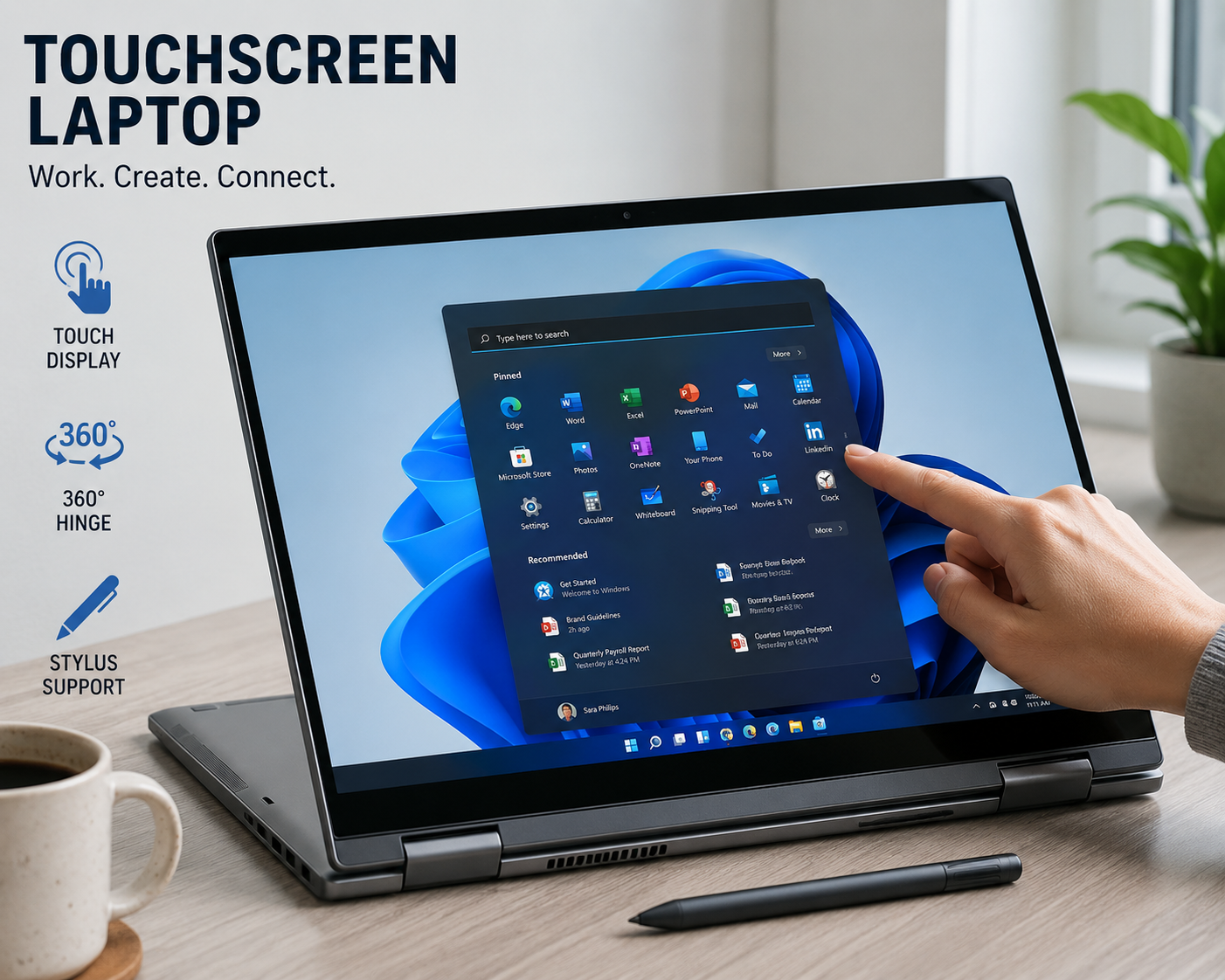
Best Touchscreen Laptops – A Complete Guide for Everyday Use and Productivity
Touchscreen laptops have quietly become one of the most practical choices for modern users. Whether you are working, studying, designing, or simply browsing, being able to interact directly with your screen changes how you use your device. It feels more natural, more flexible, and in many cases, more efficient.
Choosing the best touchscreen laptops is not just about finding a device with a touch display. This guide is written to help you understand what really matters so you can make a smart and confident decision.
Why Touchscreen Laptops Are Becoming Popular
The way people use laptops has changed over time. Traditional keyboards and trackpads still matter, but touch interaction adds a new level of convenience.
Touchscreen laptops are popular because they:
Make navigation faster and more intuitive
Improve productivity for certain tasks
Offer flexibility with 2-in-1 designs
Feel more natural for creative work
Instead of relying only on a cursor, you can tap, swipe, and zoom directly on the screen.
What Makes a Good Touchscreen Laptop
Not all touchscreen laptops offer the same experience. Some feel smooth and responsive, while others can feel slow or unresponsive.
A good touchscreen laptop should have:
A responsive and accurate touch panel
A clear and bright display
Strong performance for daily tasks
A comfortable design for long use
These elements work together to create a better user experience.
Types of Touchscreen Laptops
Before choosing the best touchscreen laptops, it helps to understand the different types available.
Traditional Touchscreen Laptops
These look like standard laptops but include a touch-enabled display. They are simple and reliable for everyday use.
2-in-1 Convertible Laptops
These laptops can fold back into tablet mode. They are flexible and useful for presentations, note-taking, and creative work.
Detachable Laptops
These allow you to remove the keyboard completely. They function more like tablets with optional keyboard support.
Performance That Supports Daily Work
Touchscreen features are useful, but performance still matters.
Processor
A modern processor keeps everything running smoothly.
Look for:
Intel Core i5 or i7
AMD Ryzen 5 or Ryzen 7
These processors are strong enough for multitasking, creative work, and daily tasks.
RAM for Smooth Experience
Touchscreen laptops often run multiple apps at once.
8GB RAM works well for everyday use
16GB RAM is better for heavier workloads
More RAM means smoother performance when switching between tasks.
Storage That Feels Fast
Speed plays a big role in user experience.
SSD storage is essential
Faster loading times improve workflow
256GB or higher is recommended
A fast system makes touch interaction feel more responsive.
Display Quality Matters More Than Ever
Since you’ll be touching the screen, display quality becomes even more important.
Look for:
Full HD or higher resolution
Bright and clear visuals
Good color accuracy
A high-quality display improves both productivity and comfort.
Touch Responsiveness and Accuracy
A touchscreen laptop should feel smooth and precise.
Important factors include:
Fast response to touch input
Accurate gesture recognition
Minimal delay between touch and action
Poor touch response can quickly become frustrating.
Battery Life for Flexible Usage
Touchscreen laptops often use more power, especially with bright displays.
A good device should offer:
6 to 10 hours of regular use
Reliable battery for work or travel
Battery life becomes especially important if you work on the go.
Build Quality and Design
Since you’ll be interacting with the screen physically, build quality matters.
Look for:
Strong hinges (especially in 2-in-1 models)
Durable materials
Slim and lightweight design
Best Use Cases for Touchscreen Laptops
Touchscreen laptops are not just about convenience—they also improve specific types of work.
Students and Education
Touchscreen laptops are great for:
Taking notes
Reading and highlighting documents
Interactive learning
Creative Professionals
Designers and artists benefit from:
Drawing directly on the screen
Using stylus pens
Editing images and graphics
Business and Productivity
Professionals can use touchscreens for:
Presentations
Quick navigation
Managing documents
Everyday Users
For casual use, touchscreens make:
Browsing easier
Media consumption more enjoyable
General navigation faster
Advantages of Touchscreen Laptops
There are several reasons why users prefer touchscreen devices.
Natural Interaction
Touch feels more intuitive than using a trackpad for many tasks.
Increased Flexibility
2-in-1 designs allow you to switch between laptop and tablet modes.
Better Productivity
Certain tasks, like editing or browsing, become quicker and easier.
Limitations to Consider
Touchscreen laptops are not perfect for everyone.
Some downsides include:
Higher price compared to non-touch models
Slightly heavier design
Increased battery usage
Understanding these limitations helps you make a better decision.
Choosing the Right Touchscreen Laptop
When selecting the best touchscreen laptops, focus on your needs rather than features you may never use.
Ask yourself:
Do you need portability?
Will you use tablet mode often?
Do you need strong performance for work?
Answering these questions helps narrow down your options.
Budget Considerations
Touchscreen laptops are available in different price ranges.
Entry-level: Basic features for everyday use
Mid-range: Balanced performance and quality
Premium: High-end design and performance
Choose a laptop that fits your work requirements, not just your budget.
Once you choose your laptop, a few simple habits can improve your experience.
Keep your screen clean for better touch response
Use a protective case if needed
Keep software updated
Adjust brightness for battery efficiency
These small steps help maintain performance and usability.
Future of Touchscreen Laptops
Touchscreen technology continues to improve.
We are seeing:
More responsive displays
Better battery efficiency
Improved stylus support
Lighter and thinner designs
This makes best touchscreen laptops even more practical for everyday use.
Final Thoughts
The best touchscreen laptops are those that fit naturally into your daily routine. They offer a balance of performance, flexibility, and ease of use that traditional laptops sometimes lack.
If you choose carefully, a best touchscreen laptop can improve how you work, learn, and interact with your device.
Quick Summary
Touchscreen laptops offer intuitive interaction
Ideal for students, professionals, and creatives
8GB RAM and SSD are essential for smooth use
Display quality plays a major role
2-in-1 designs add flexibility
A touchscreen laptop is not just a trend—it’s a practical upgrade for anyone who wants a more natural and flexible computing experience.


Leave a Reply